Get AI ready
for real work, from tomorrow.
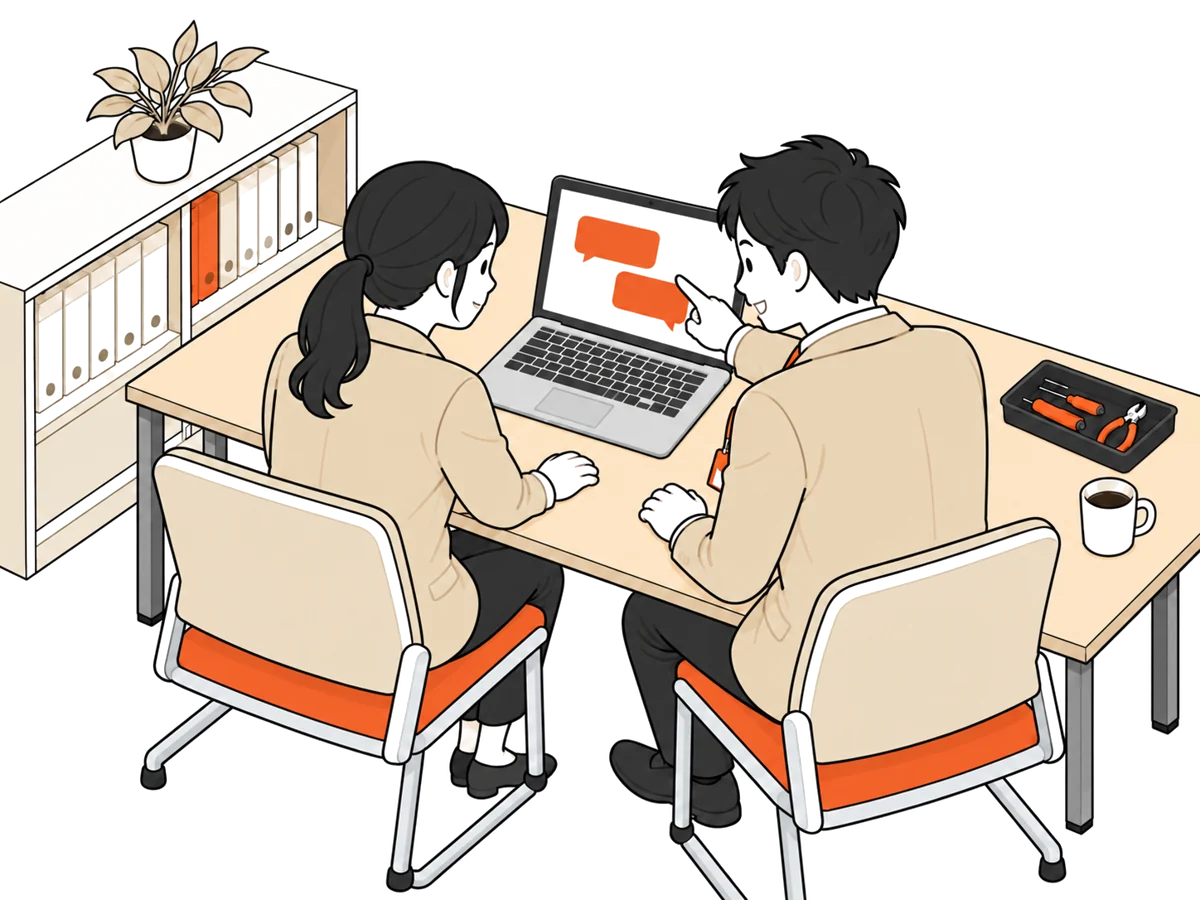
We visit your office, set up your PCs, and have AI ready to use the same day. Your staff just ask in plain Japanese, in the app window they normally use.
For businesses with roughly 20 employees or fewer that are using generative AI at work for the first time. On-site visits mainly in Hokuriku (Fukui, Ishikawa, Toyama), with Osaka and Kyoto also available. Travel costs extra.
It usually stalls in one of these three ways.
AI can't touch your Excel or PDF files, so it ends up as just a chat partner.

With payroll and bank details mixed into the same folders, people are afraid to use it.
Nobody knows how to open it or what to ask, yet the subscription keeps running.
The problem isn't the AI. It's the initial setup.
Visits can be split into 1.5-hour sessions over two or three days, or done in one go. Up to five PCs.

Install the foundation that lets AI work as a business tool.
Block the places AI must not read, and put the rules on one sheet you can post.
Take one of your everyday tasks all the way through, with your own hands.
By the time we leave, it is ready to use.
We put in three settings. Each time you use it, your set of work templates grows.


 Steps that worked go back into the work templates.Next time, one sentence is enough.
Steps that worked stay with your company as templates.
We don't rely on settings alone. Three layers, including a posted sheet and daily habits.
Folders with HR, payroll, bank accounts and personal data are set so AI cannot read them. We test that it works on the spot by naming them directly.
Delete and reset commands are blocked. Anything sent outside asks a person every time. Inside the work folder, "go back to how it was" restores it.
"What you may and may not enter" goes on one sheet posted in the office. AI answers are drafts. A person checks numbers and dates.
Text you send goes to the AI company's servers. So people decide what goes in.
In Japanese, in your everyday words.
With the foundation and file-access settings in place, AI can read any number of PDFs and write into Excel.

It knows your company rules, so you don't have to explain names and wording every time.
Methods that worked are kept as templates, so one sentence calls up the same steps.
Set it once, and it runs without being asked.
Runs while the PC is switched onThese are examples, not guaranteed results. What is possible depends on your files and PCs.
Instead of people learning how to ask, you teach AI how you work.
The actual schedule is set in the first online consultation to suit your business.
Agree on the approach and schedule
Starting with the lead's PC
Remaining PCs, register rules
Do one task together

Fix the first stumbling blocks
Tune after real use
Hand over records, done
Your lead's time is mainly the 1-hour consultation and 1.5-hour training. During setup, they are free to step away.
To fit your schedule, it can run 1.5 hours a day.
One-time purchase, no monthly fee. No need to decide target tasks in advance.
This set is offered only as a package. Individual items are not available separately.
If your subsidy application needs a cost breakdown, we will prepare one separately.
The first briefing is online and free. Before any contract, we walk you through exactly what is on this page.
About 30 minutes online
Free
No expertise needed
Agree on approach and schedule together
Then setup, training and follow-up
Start with one PC and one person in charge.
Yes. That is what this set is for. Just name one person in charge; they do not need to be an expert. Users simply ask in plain Japanese, in the app window they normally use.
No. We set it up first, complete one real task in the training session, and find the next ones as you use it.
Yes. The generative AI service is contracted in your company's name. Usage fees are not included in the set. We decide together which one to subscribe to in the first online consultation.
Up to five. The PCs being set up must allow software installation.
About 5-7 business days from start to finish. The actual schedule is set in the first online consultation to suit your business. It can also be split into 1.5-hour sessions per day.
¥220,000 all-in (tax included). The price does not grow with time; it is a one-time purchase with no monthly fee. Travel costs are extra. Individual items are not offered separately.
Mainly Hokuriku (Fukui, Ishikawa, Toyama), and we also visit Osaka and Kyoto. Travel costs are extra. For other areas, please ask.
It depends on the program. If your subsidy application needs a cost breakdown, we will prepare one separately.
That is a separate service. See AI Adoption Support (FDE), where we work on-site and build AI into each workflow. Additional support after the starter set is also available on request.
In about 30 minutes online, we walk you through exactly what is on this page. We won't ask you to sign anything on the spot. We usually reply within 2-3 business days.